Questions Schools Should Ask Before Choosing a Classroom 3D Printer

Andrea Zermeno

March 25, 2026

As 3D printing becomes more common in schools, educators are often asked to evaluate which printers are the right fit for their classrooms. While speed and print quality are important, safety and classroom usability should also be part of the conversation.


Here are a few questions schools may want to consider when evaluating a 3D printer for student environments.

1. Can access to the printer be controlled?

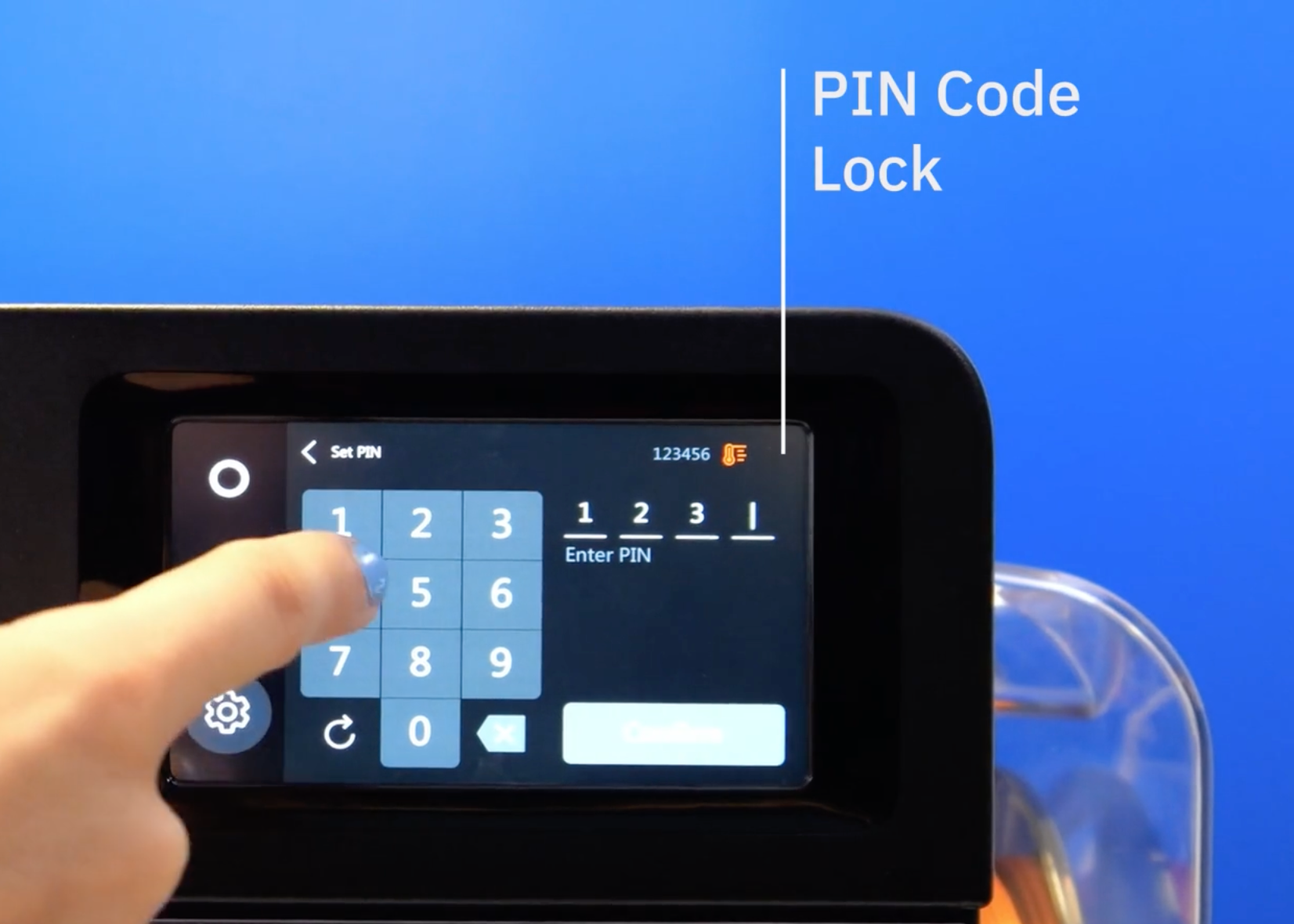
In busy classrooms, multiple students may want to interact with the printer throughout the day. Having features like printer lock or PIN-based access control can help teachers manage who is able to start or modify print jobs, preventing accidental interruptions and keeping classroom workflows organized.

2. Does the printer meet school or district compliance requirements?

Many school districts have guidelines around electrical equipment and technology used in classrooms. Before purchasing a 3D printer, educators should check with their IT department or district leadership to confirm that the printer meets required regulatory and safety compliance standards. This step can make the approval and implementation process significantly smoother.

3. Was the printer designed with student environments in mind?

Some desktop 3D printers were originally designed for hobbyists or workshops rather than classrooms. Schools may want to consider whether the printer’s design accounts for curious students, shared classroom spaces, and everyday classroom interaction. Printers designed for education environments often include thoughtful features that help teachers run the technology confidently during regular classroom activities.

4. Can teachers manage printing without constantly supervising the machine?

Teachers rarely have the time to stand beside a printer while it runs. Features like remote monitoring and printer management can help educators check on prints, manage queues, and organize student submissions while continuing to lead the class.

5. How does the printer support safe, everyday interaction?

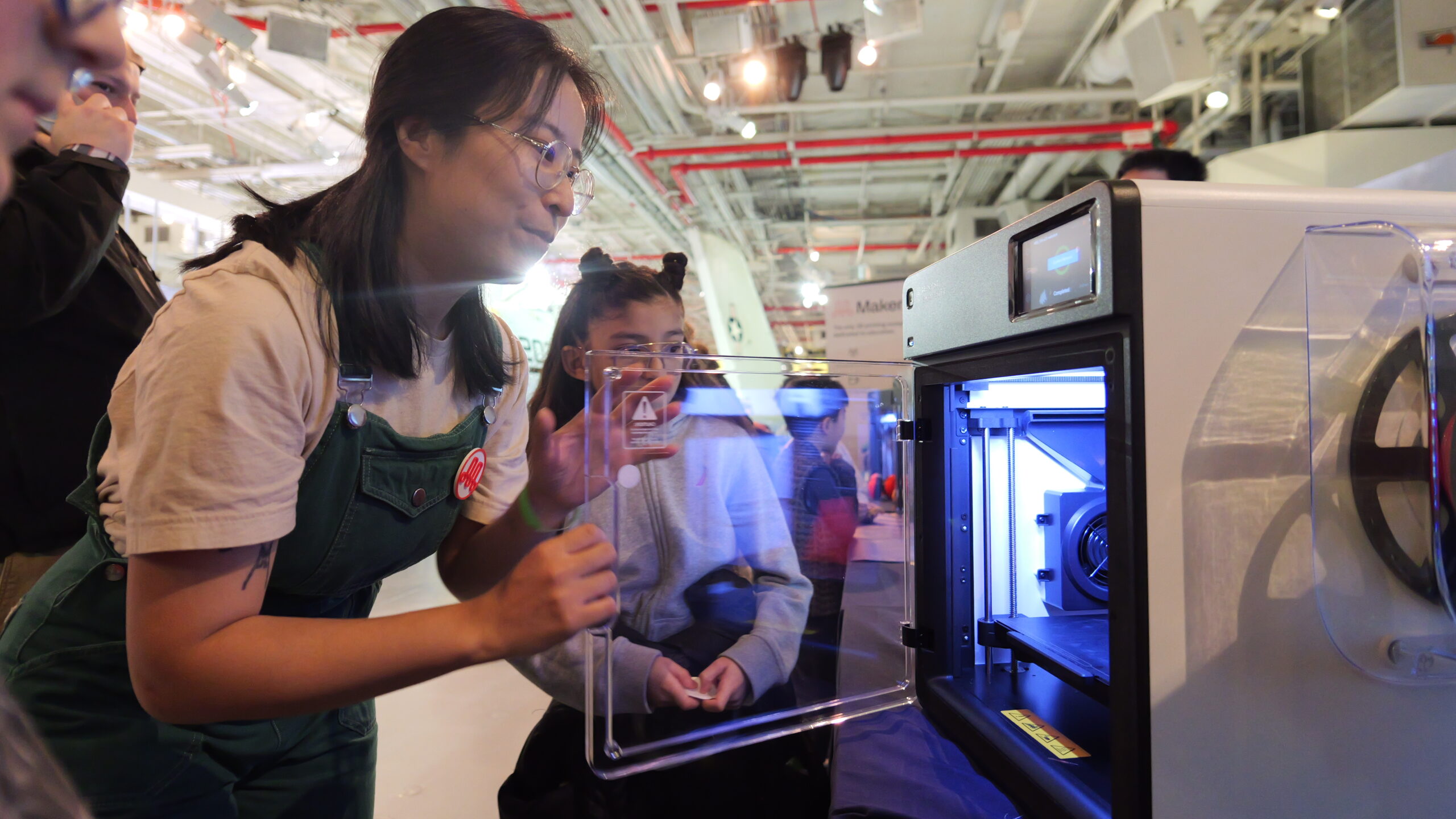
Students will naturally want to observe the printing process. Schools should consider how the printer is designed to handle day-to-day classroom interaction, including visibility into the print process and minimizing exposure to internal components.

6. Are the print materials appropriate for classroom use?

Material choice impacts both ease of use and the classroom environment. Many schools prioritize materials that are reliable, easy to print, and suitable for shared learning spaces, such as PLA-based filaments.

7. How easy is it to implement across classrooms or schools?

Schools may also want to consider how easily a 3D printing solution can scale across multiple classrooms or sites. Features that support centralized management, consistent workflows, and teacher-friendly onboarding can make a significant difference during implementation.

8. How does the software support student use?

When evaluating a 3D printer, it’s easy to focus on the hardware—but the software plays a big role in how the printer functions in a classroom.

Many 3D printing tools were originally designed for individual users, not classrooms with multiple students submitting projects at once. Schools may want to consider whether the software allows teachers to manage student submissions, control what gets printed, and organize workflows without requiring students to interact directly with the printer.

Classroom-friendly software can help teachers maintain control of the printing process while still allowing students to fully participate in design and creation.

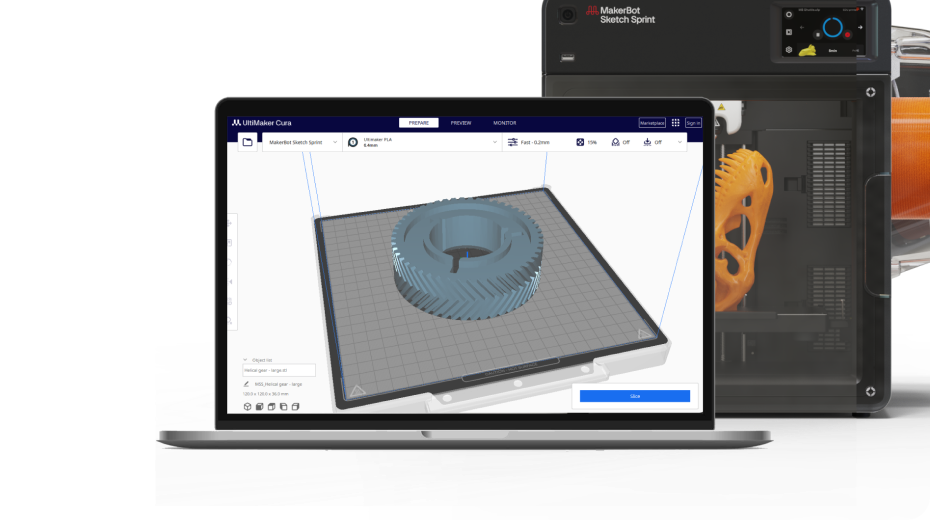
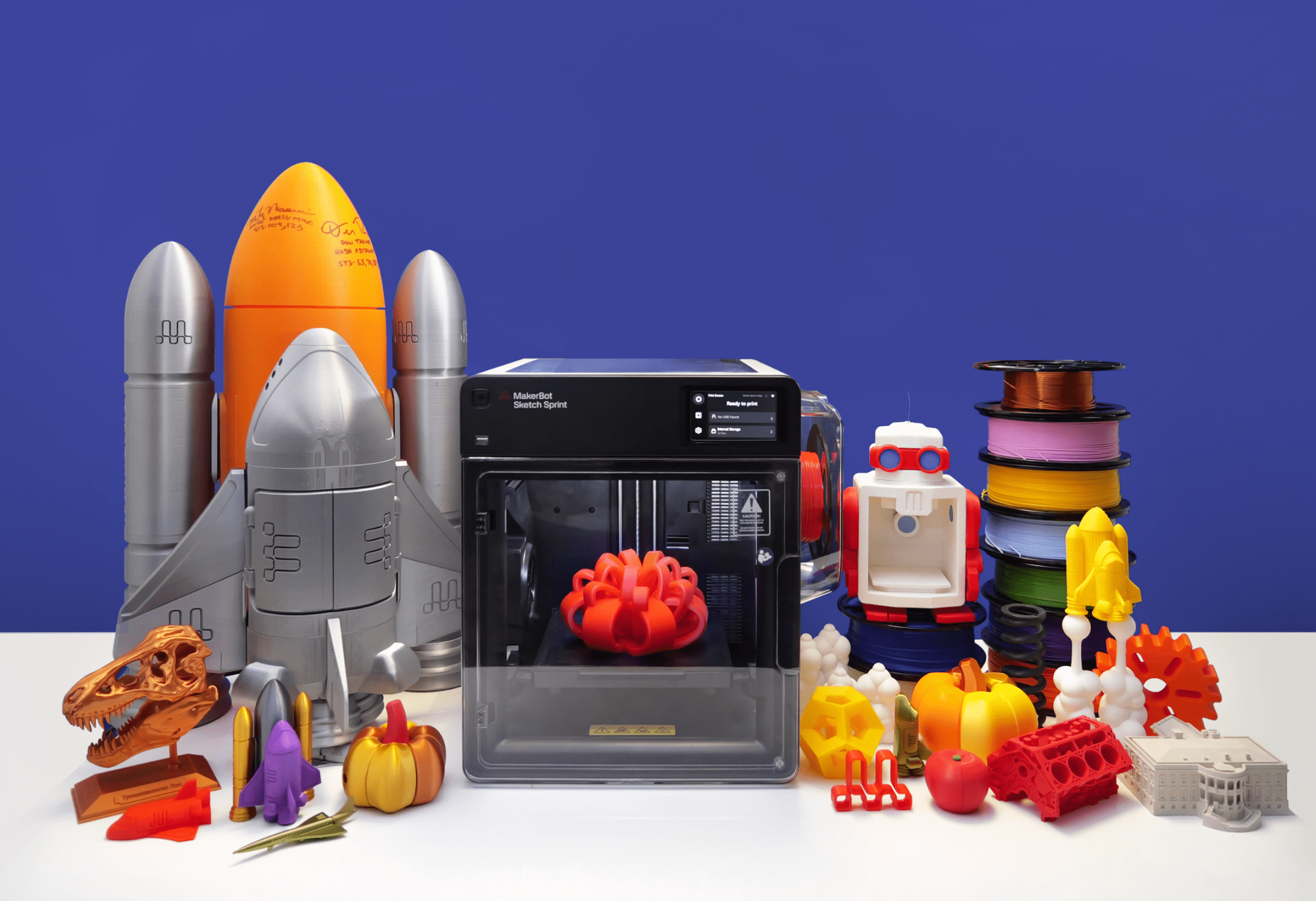
How the MakerBot Sketch Sprint Supports Classroom Safety and Usability

When these considerations come together in a real classroom, one theme tends to come up again and again: educators need to feel confident that the printer can run without constant oversight.

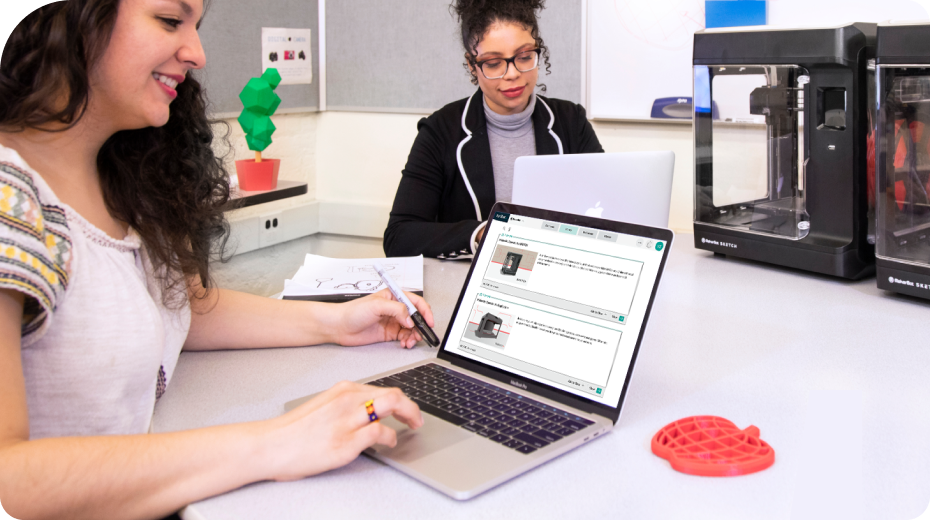
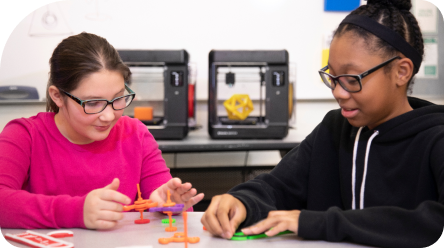
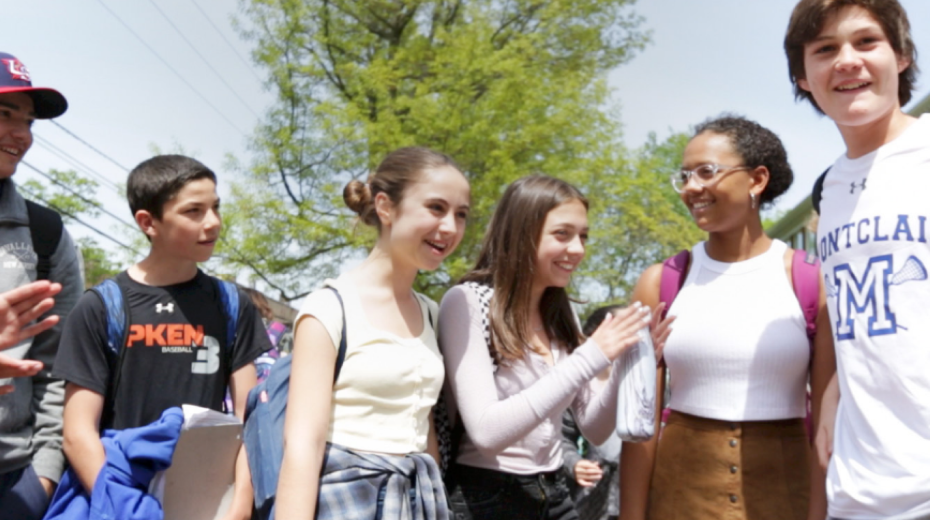
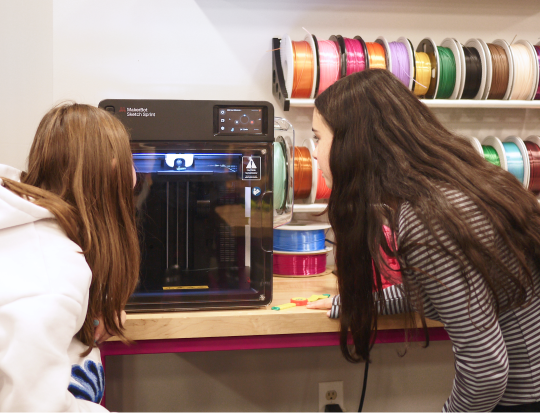
For example, it’s not uncommon for students to gather around a printer while a project is running—watching the layers build, asking questions, and sometimes wanting to interact with the machine itself. And while that curiosity is part of what makes 3D printing so engaging, it can also create a challenge for teachers who are managing an entire classroom at the same time.

This is where features like a Security PIN for the printer become especially important.

By controlling who can access the printer interface, teachers can ensure that prints are started intentionally and that jobs aren’t accidentally interrupted during the day.

Beyond access control, schools also need to know that the equipment they’re bringing into classrooms aligns with their broader requirements.

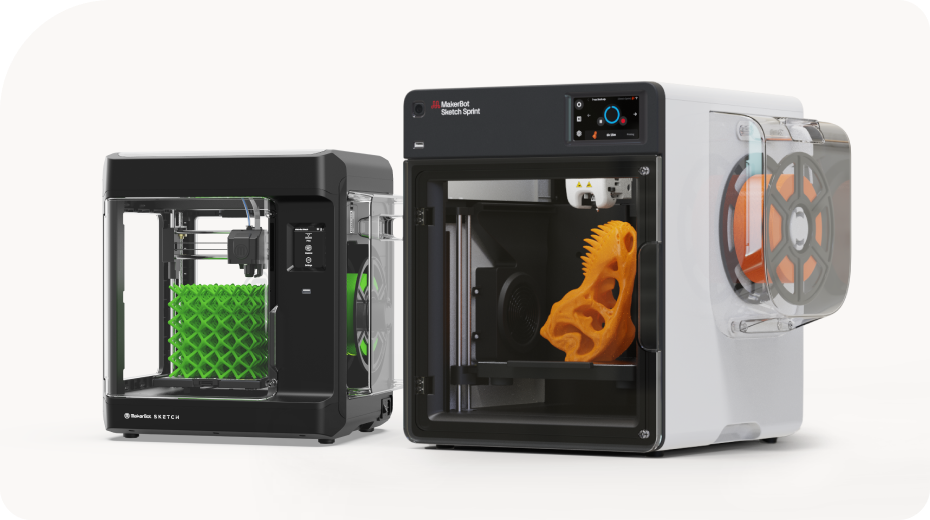
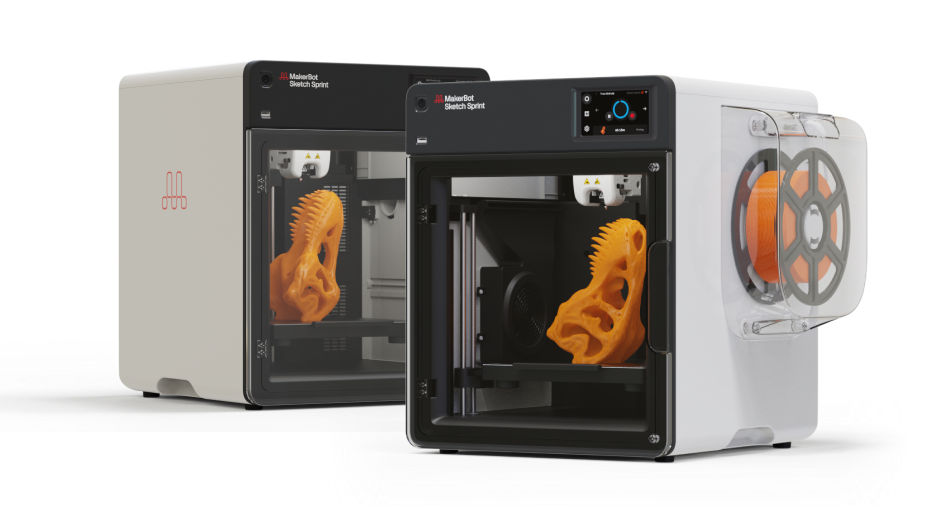
The MakerBot Sketch Sprint is designed to meet regulatory and industry safety standards, including UL 2904, helping schools move more smoothly through approval and implementation processes. (As always, educators should check with their district to confirm their specific requirements.)

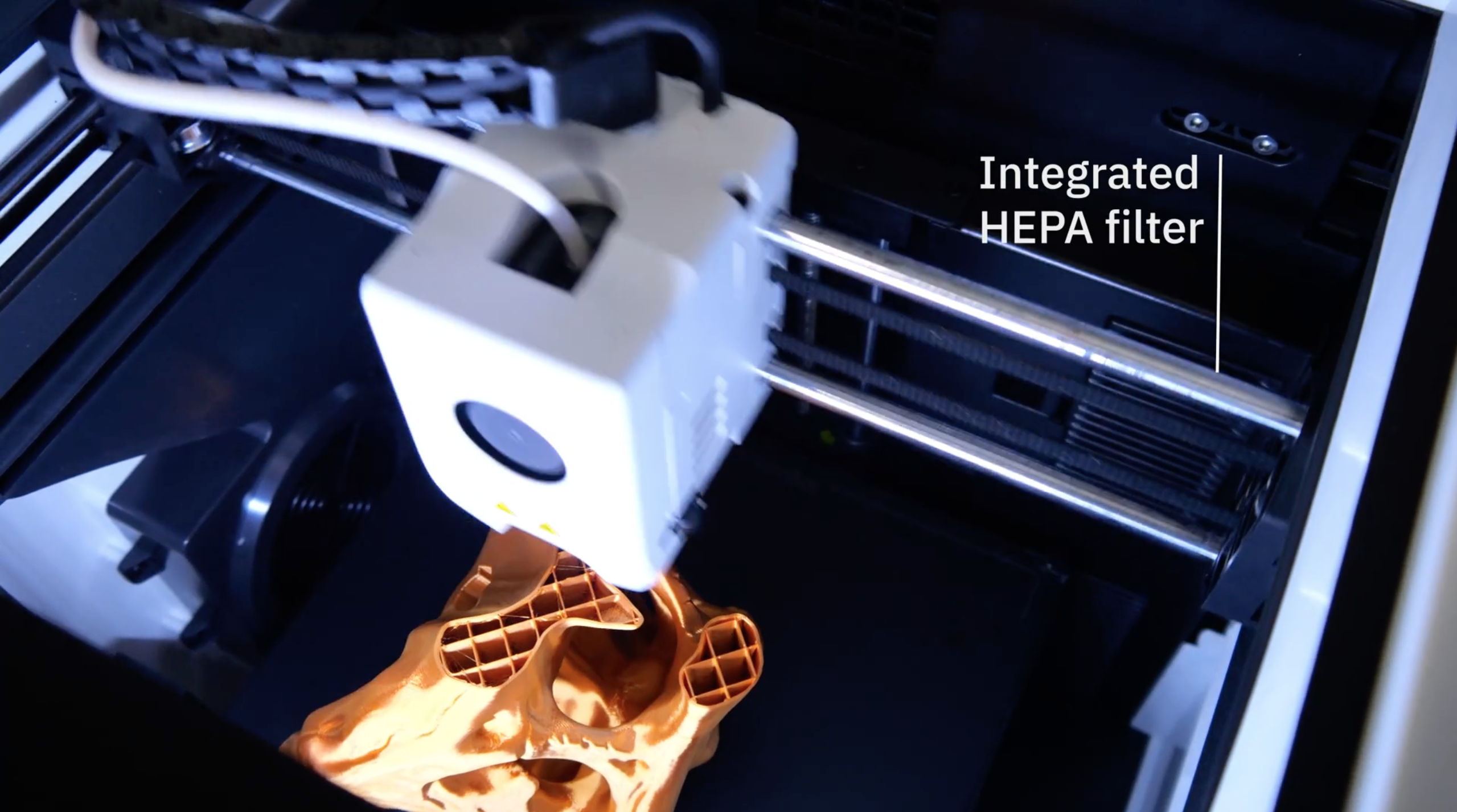
Once that box is checked, the focus shifts to how the printer fits into everyday classroom use. The printer reflects the reality that students will interact with it—whether that’s observing prints in progress or participating in the printing workflow. Features like an enclosed structure, minimized exposure to moving parts, and integrated air filtration all contribute to a more comfortable classroom environment.

Rather than relying on a single safety feature, the printer is built as a system designed for classroom environments.

  • Controlled access through Printer Lock, minimized exposure to moving components
  • Integrated HEPA and carbon filtration all contribute to a more controlled and comfortable learning space.
  • Combined with the use of classroom-friendly materials like PLA and Tough PLA,

→ the result is a printer that’s designed to support safe, everyday use in student settings.

The printer is also optimized for PLA-based materials, which are widely used in education for their ease of printing and classroom-friendly properties.

And because teachers don’t have the ability to stand beside a printer all day, remote monitoring and management tools help keep printing organized while allowing instruction to continue uninterrupted.

Taken together, these features are less about any one capability and more about creating a system that fits naturally into the classroom—so teachers can focus on guiding students, not managing the machine.

One More Thing to Consider: The Software Behind the Printer

When schools evaluate 3D printers, most of the focus naturally goes to the hardware. But in a classroom setting, how students interact (and how their information is used) with the printing process matters just as much. Many 3D printing tools were originally designed for individual users—not classrooms with 25+ students submitting projects at once. That can make it difficult for teachers to manage who is printing, what is being printed, and when.

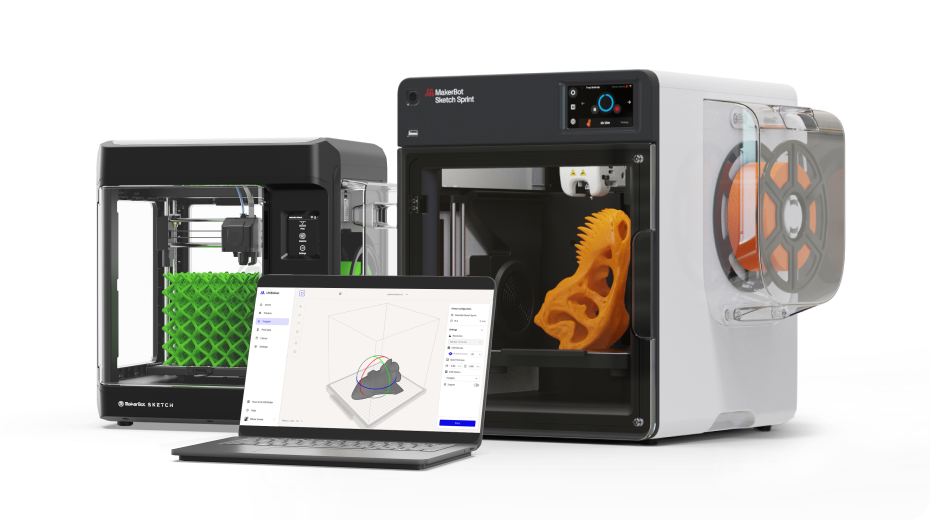
With UltiMaker Digital Factory, the workflow is designed specifically for education environments. Teachers can share a simple submission link for students, review projects in one place, and control what gets printed—without requiring students to interact directly with the printer.

It’s a small shift, but it makes a big difference. Classroom safety isn’t just about the printer—it’s also about making the entire workflow easier to manage.

Want to learn more about the MakerBot Sketch Sprint? Click here to watch our deep dives on our fastest 3D printer for education and learn more about its safety features.

Safety Makes Classroom Innovation Possible


3D printing is one of the most engaging technologies students can experience in school. It encourages creativity, design thinking, and hands-on problem solving while giving students the opportunity to see their ideas come to life.

But for many educators and administrators, introducing new technology into the classroom also comes with practical questions around safety, usability, and reliability.

When those considerations are built into the tools educators use, teachers can spend less time worrying about how the technology fits into the classroom—and more time helping students explore, experiment, and create.

→ Looking at starting or expanding 3D printing at your school in safe and effective ways? Start the conversation with us to explore the best options.